Artists

Melissa Houck

Actuary that dabbles in mathematical art

Philadelphia, Pennsylvania, USA

mhact7@gmail.com

View exhibition history

Statement

I enjoy reading books and articles that bring mathematical concepts to life in layman’s terms. As an actuary who uses Excel in my work, I find myself using the spreadsheet program to visualize the topics I read about. I was inspired after attending the 2024 Bridges Richmond session “The Heart of Domain Coloring” [Reitebuch et. al.] that discussed ways to visualize complex functions, using colors that represent characteristics of the results. I wanted to see what it would look like to apply a function to a 2D grid of complex numbers and use the result to define the new position of each point in the range grid, then assign a color to that point based on the color of the domain point that generated that result.

Artworks
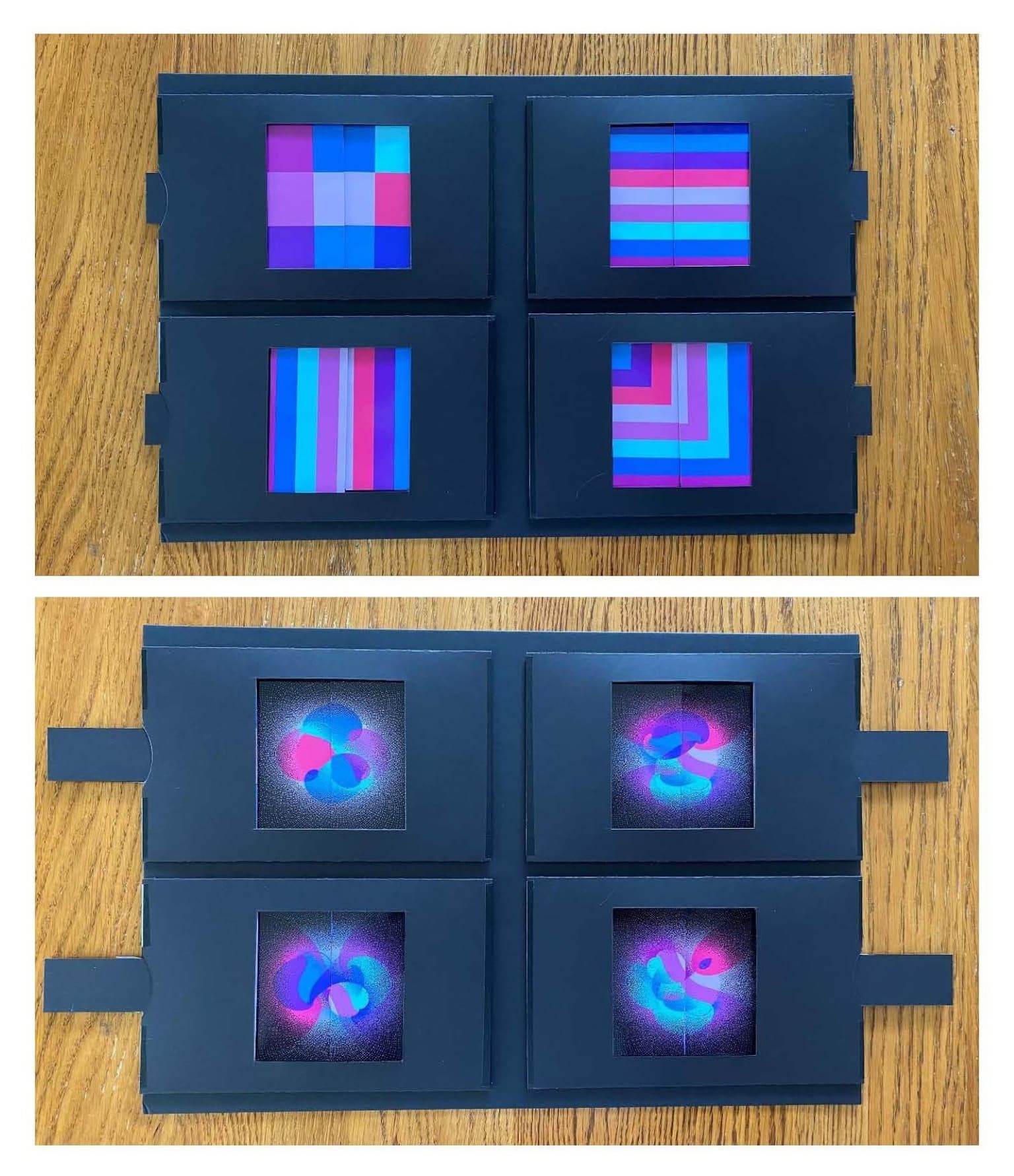
Image for entry 'Domain Reflections 1'

Domain Reflections 1

30.48 x 45.72 cm

mat board, cardstock, photo prints

2026
I used Excel to create a grid of complex numbers, then assigned 9 colors to the grid in a pattern. This domain grid was mapped to a range grid using a polynomial function with the mapped result defining each point’s new position in the range grid. Colors were then assigned to each point in the range grid according to the color of the point in the domain grid that generated it. I mapped the same function from the same domain using 4 different domain grid 9-color patterns: squares, vertical stripes, horizontal stripes, and nested squares. To make this interactive, I used a “dissolve” which enables one to pull a tab to switch from each domain pattern to the resulting range.
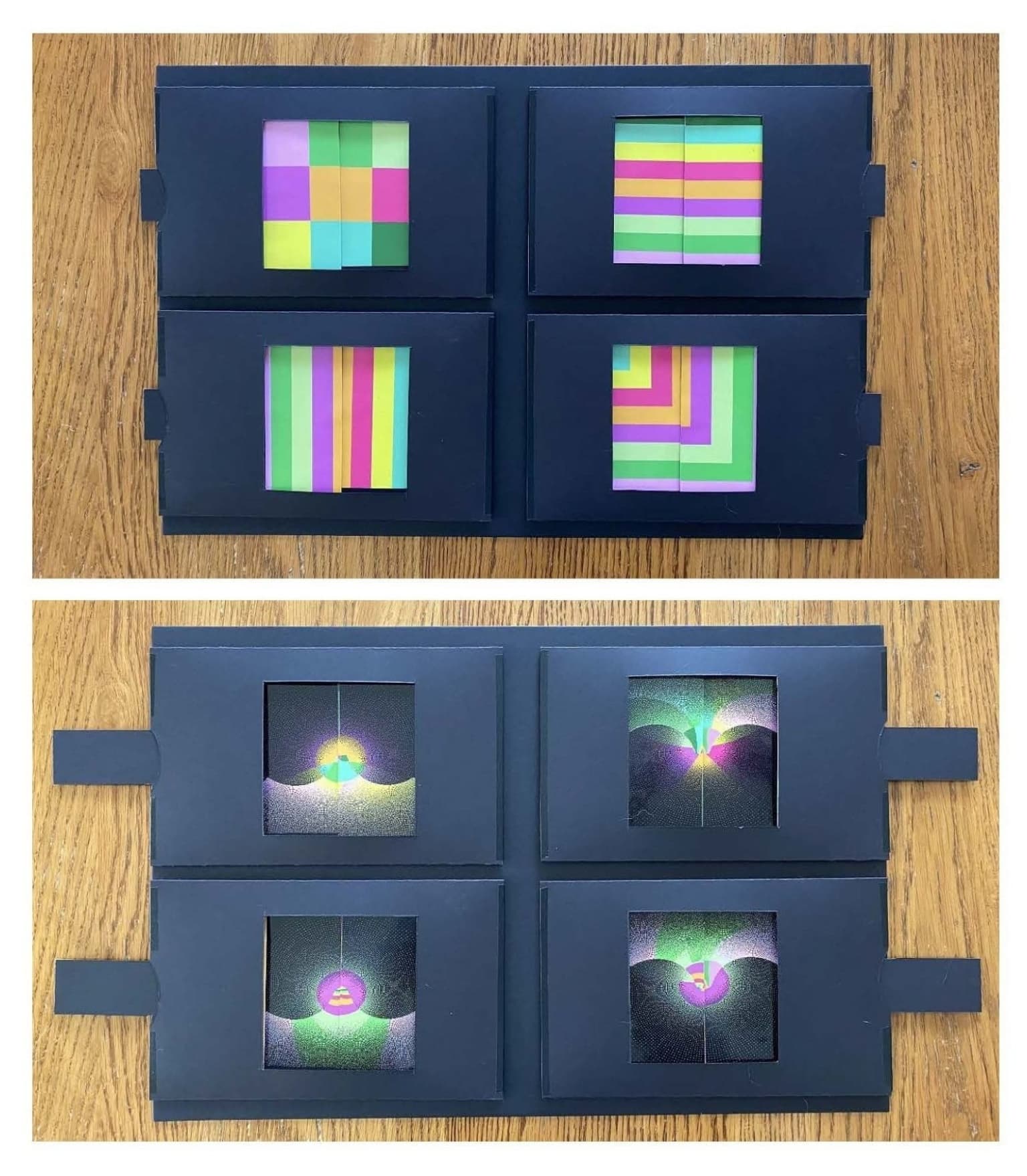
Image for entry 'Domain Reflections 2'

Domain Reflections 2

30.48 x 45.72 cm

mat board, cardstock, photo prints

2026

Analogous to Domain Reflections 1, I started with the same domain and 9-color domain patterns but used different colors and a different polynomial function to map each domain point to its new position in the range grid. The color of each point in the range grid reflects the color of the domain point that generated it. Pull the tabs to see the effect of the different starting domain patterns on the range.